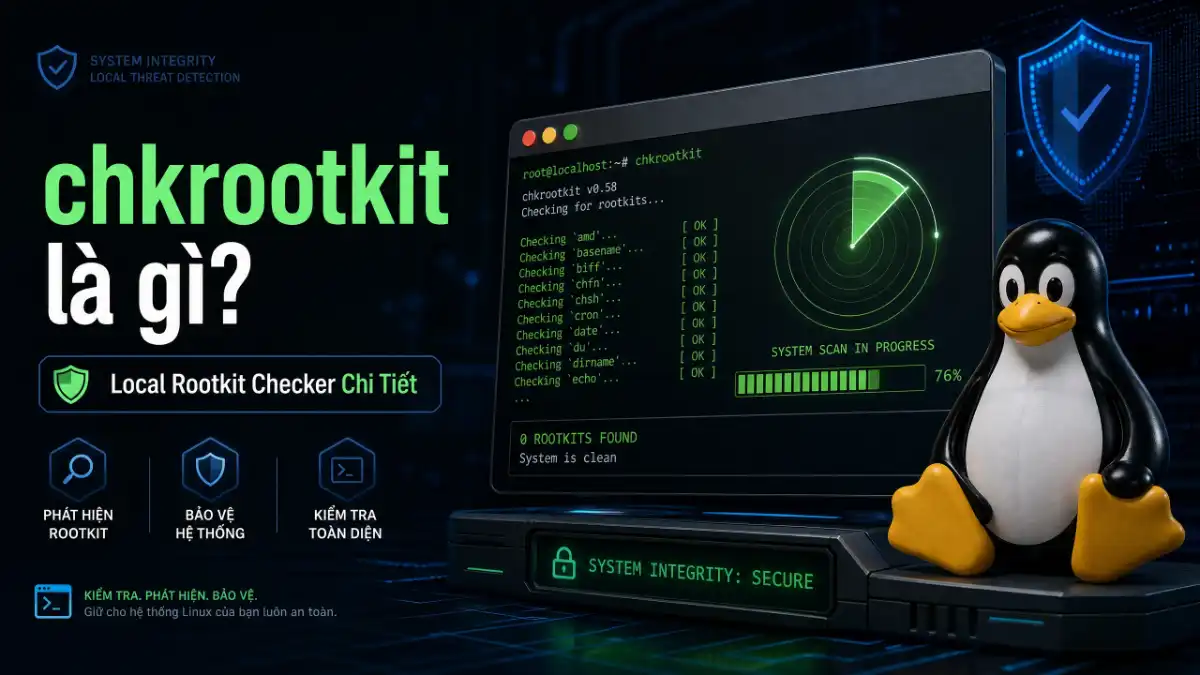
chkrootkit là gì? Local Rootkit Checker Chi Tiết
chkrootkit là công cụ open-source rootkit scanner dành cho Linux và Unix systems. Khi tìm hiểu chkrootkit là gì, công cụ này kiểm tra hệ thống để phát hiện các dấu hiệu của rootkits — những phần mềm độc hại được thiết kế để ẩn trong hệ thống, cho phép kẻ tấn công duy trì quyền truy cập lâu dài mà không bị phát hiện. chkrootkit là một trong những công cụ lâu đời nhất trong lĩnh vực bảo mật Linux, được tin dùng bởi system administrators trên toàn thế giới.
chkrootkit hoạt động bằng cách kiểm tra các system binaries như ls, ps, netstat xem có bị sửa đổi không. Khi tìm hiểu chkrootkit là gì, nó sử dụng phương pháp signature-based detection kết hợp với heuristic analysis để phát hiện threats.
Được phát triển bởi Nelson Murilo và Klaus Steding-Jessen, chkrootkit là một trong những công cụ bảo mật lâu đời nhất và đáng tin cậy nhất để phát hiện rootkits trên Unix/Linux systems.
Tại sao cần chkrootkit?
Rootkits là loại malware nguy hiểm vì chúng được thiết kế để ẩn mình khỏi các công cụ monitoring thông thường. Khi tìm hiểu chkrootkit là gì, kẻ tấn công sử dụng rootkits để duy trì quyền truy cập vào hệ thống ngay cả sau khi đã bị phát hiện ban đầu. chkrootkit giúp system administrators phát hiện những mối đe dọa này trước khi chúng gây ra thiệt hại nghiêm trọng.
- Phát hiện hidden files và processes
- Kiểm tra system binaries bị sửa đổi
- Phát hiện promiscuous mode trên network interfaces
- Scan log files cho signs of tampering
chkrootkit vs rkhunter
chkrootkit và rkhunter là hai công cụ bổ trợ nhau trong việc phát hiện rootkits:
| Tính năng | chkrootkit | rkhunter |
|---|---|---|
| Phương pháp | Signature-based | MD5/SHA hashes + heuristics |
| Phạm vi | Binaries chính | System config + files |
| File integrity | Không | Có (hash checking) |
| Tốc độ | Nhanh hơn | Chậm hơn nhưng kỹ lưỡng hơn |
Khuyến nghị: Sử dụng cả hai công cụ để có coverage toàn diện nhất.Khi tìm hiểu chkrootkit là gì, bạn có thể tìm hiểu thêm về rkhunter để so sánh chi tiết.
Cài đặt chkrootkit
chkrootkit là gì
# Cập nhật package lists
sudo apt update

# Cài đặt chkrootkit
sudo apt install chkrootkit

# Kiểm tra phiên bản
chkrootkit -V
Trên CentOS/RHEL
# Cài đặt EPEL repository
sudo yum install epel-release

# Cài đặt chkrootkit
sudo yum install chkrootkit
Build từ Source
# Download phiên bản mới nhất
wget ftp://chkrootkit.org/chkrootkit.tar.gz
tar xzf chkrootkit.tar.gz
cd chkrootkit-0.58

# Compile
make sense

# Chạy trực tiếp
sudo ./chkrootkit
Sử dụng chkrootkit
Basic Scan
# Scan toàn bộ hệ thống
sudo chkrootkit

# Scan với output chi tiết
sudo chkrootkit -v

# Silent mode (chỉ hiện warnings)
sudo chkrootkit -q
Scan Options
| Option | Mô tả |
|---|---|
| -x | Extended mode (kiểm tra kỹ hơn) |
| -e test1,test2 | Chỉ chạy specific tests |
| -f /path/to/file | Scan specific files only |
| -q | Silent mode |
| -v | Verbose output |
chkrootkit Tests
chkrootkit thực hiện nhiều loại tests để phát hiện rootkits:
| Test | Mô tả |
|---|---|
| checkls | Kiểm tra trojaned ls binary |
| checkps | Kiểm tra trojaned ps binary |
| checknetstat | Kiểm tra trojaned netstat |
| checkwtmp | Kiểm tra deletions trong wtmp log |
| checkutmp | Kiểm tra deletions trong utmp log |
| checkpromiscq | Kiểm tra promiscuous mode |
| checklkm | Kiểm tra suspicious kernel modules |
Understanding Output
ROOTKIT CHECK
Checking `ls`... not infected
Checking `ps`... not infected
Checking `netstat`... not infected
Checking `promiscq`... not infected
Checking `lkm`... not infected

INFECTED: Nothing found
| Output | Ý nghĩa |
|---|---|
| not found | Binary không có trên hệ thống |
| not infected | Binary OK, không phát hiện infection |
| INFECTED | Phát hiện rootkit – CẦN HÀNH ĐỘNG NGAY |
Scheduling Scans
Tự động hóa việc scan bằng cron job giúp phát hiện threats sớm nhất có thể:
# Edit crontab
sudo crontab -e

# Thêm dòng này (scan daily lúc 3AM)
0 3 * * * /usr/sbin/chkrootkit 2>&1 | logger -t chkrootkit
Khi nào Rootkit được phát hiện
Nếu chkrootkit báo INFECTED, đây là các bước cần thực hiện ngay.Khi tìm hiểu chkrootkit là gì, đừng hoảng loạn nhưng cũng đừng bỏ qua – mọi warning đều cần được investigate kỹ lưỡng.
- Isolate ngay – Ngắt kết nối mạng nếu có thể để ngăn attacker spread sang hệ thống khác
- Không reboot – Một số rootkits activate khi boot, reboot có thể làm mất evidence
- Document mọi thứ – Screenshot/log tất cả output để phục vụ investigation
- Check các hệ thống khác – Kiểm tra toàn bộ network để xác định phạm vi ảnh hưởng
- Preserve evidence – Không xóa gì cho đến khi investigation hoàn tất
chkrootkit Limitations
- Không detect được rootkits chưa được cài đặt
- Signature-based nên có thể miss new/unknown rootkits
- Có thể có false positives từ legitimate tools
- Kernel-level rootkits có thể ẩn khỏi chkrootkit
Để bảo vệ toàn diện hơn, hãy kết hợp chkrootkit với rkhunter, ClamAV cho malware scanning, và Firewall cho network protection.
Best Practices
- Chạy scan định kỳ (daily hoặc weekly)
- Sử dụng kết hợp cả chkrootkit và rkhunter
- Luôn update chkrootkit lên phiên bản mới nhất
- Investigate mọi warning, đừng bỏ qua
- So sánh kết quả qua thời gian để phát hiện changes
- Boot từ rescue media cho thorough scan nếu nghi ngờ compromise
Kết luận
chkrootkit là công cụ lightweight và nhanh, rất phù hợp để chạy regularly trên Linux servers.Khi tìm hiểu chkrootkit là gì, kết hợp với rkhunter và ClamAV, nó cung cấp lớp bảo vệ toàn diện chống lại rootkits và system compromises.Nhiều system administrators chạy cả hai tools này như một phần của security scanning routine hàng ngày.
Security posture mạnh không chỉ là tool, mà còn là quy trình. Hãy đảm bảo regular updates, strong passwords, disable unnecessary services, và implement fail2ban để ngăn brute force attacks. Kết hợp với intrusion detection systems (IDS) như AIDE hoặc Samhain sẽ tăng cường đáng kể khả năng phát hiện xâm nhập sớm.
Nhớ rằng chkrootkit chỉ phát hiện, không ngăn chặn. Security posture mạnh cần bao gồm prevention (firewall, IDS, regular updates), detection (chkrootkit, rkhunter, monitoring), và incident response plan.
FAQ
chkrootkit có an toàn không? Có, chkrootkit là an toàn để chạy. Nó chỉ thực hiện read-only scans, không modify anything trên hệ thống. Tuy nhiên, nên download từ official source (chkrootkit.org) để tránh tampered versions.
Tôi nên chạy chkrootkit khi nào? Tối thiểu weekly, khuyến nghị daily via cron. Nên chạy ngay sau khi phát hiện suspicious activity, unauthorized access attempts, hoặc sau khi cài đặt software từ untrusted sources. Early detection là key để minimize damage từ rootkit infection.
chkrootkit false positive như thế nào? Một số legitimate tools được detect như “potential” rootkits. Ví dụ: network monitoring tools (tcpdump, wireshark) cause promiscq warnings, docker bridges có thể trigger alerts. Investigate carefully, kiểm tra process list và network connections trước khi kết luận có rootkit thực sự.
Làm sao để scan khi hệ thống bị nghi ngờ nặng? Boot từ rescue CD/USB (như SystemRescue) và chạy chkrootkit từ external media. Một số kernel-level rootkits ẩn khỏi running system, nên scan từ external media bypass được rootkit và phát hiện threats chính xác hơn.
chkrootkit khác gì rkhunter? chkrootkit nhanh hơn, nhẹ hơn, tập trung vào binary signatures. rkhunter comprehensive hơn, kiểm tra file integrity, system configuration, và network settings. Khuyến nghị dùng cả hai: chkrootkit cho quick daily scans, rkhunter cho weekly deep analysis. Cả hai tools bổ trợ nhau và tăng detection coverage đáng kể.

Bài viết mới nhất


Ủng hộ

MB Bank: 0969089335 - CHÂU QUỐC HÙNG

MB Bank: 0969089335 - CHÂU QUỐC HÙNG

Momo: 0969089335 - CHÂU QUỐC HÙNG